
Process in motion
Learn to create a GIF or Stop Motion to recycle your samy-samy process shots.
Turn a series of process photos into a looping GIF or a sharp stop-motion video in minutes, with two simple requests to Claude. A guide for artists & artisans.
Some of the most beautiful moments in a studio happen in a sequence: a hand passing yarn through the warp, a brush returning to the paint, clay rising on the wheel. One photograph catches a single instant; a sequence brings back the rhythm of the making. Here is how to turn a handful of near-identical photographs into a small piece of motion, in a few minutes, without any editing software.
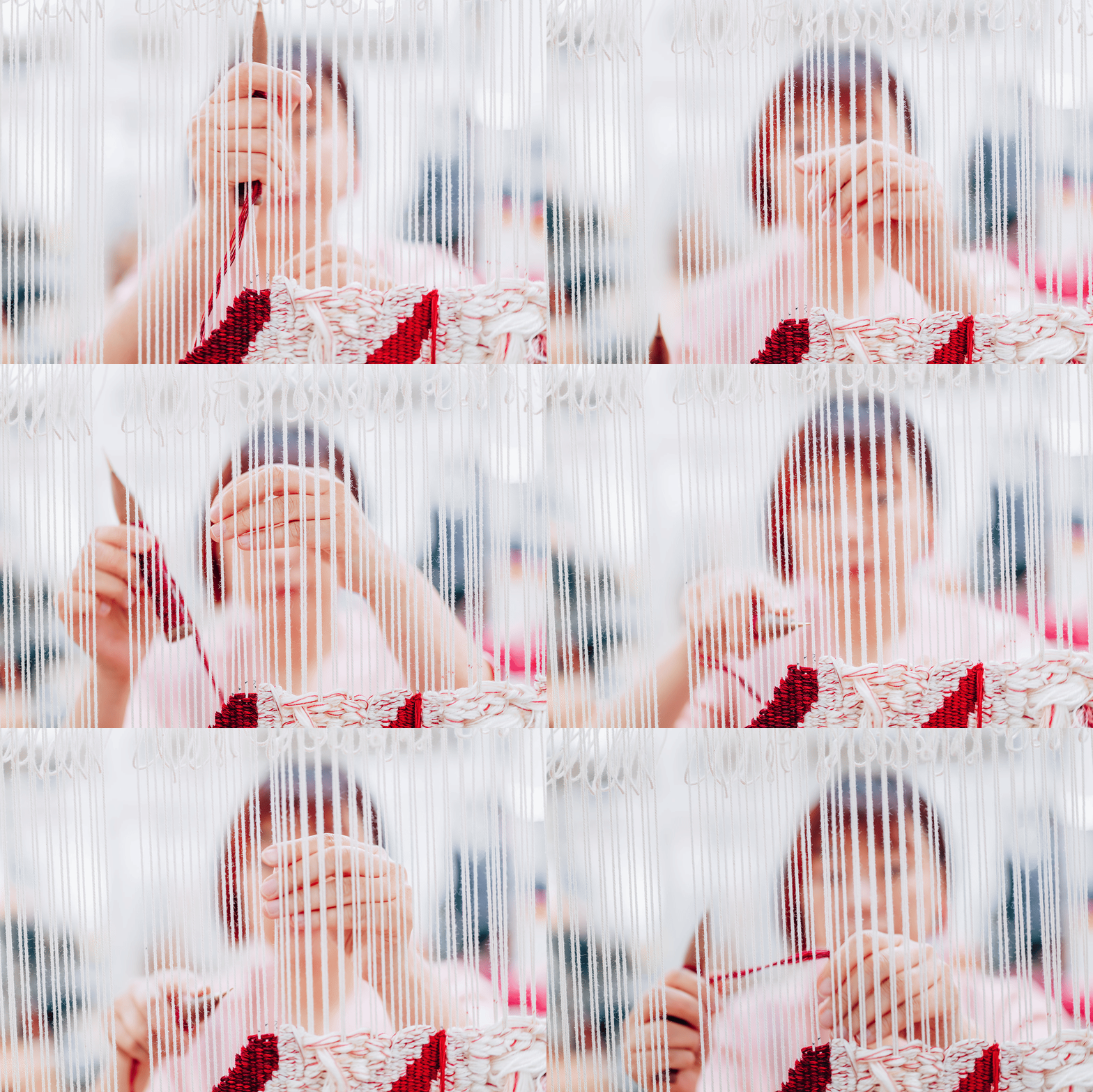
Artist Ema Shin weaving at the Australian Tapestry Workshop in Melbourne.
LEFT: Stop Motion in MP4 - RIGHT: GIF - Exact same photos used for both.
What you need
Six to twenty photographs taken one after another, from the same spot, in the same light. The less the camera moves, the better the result: rest your elbows on the bench, or use burst mode on your phone. Professional sequences work beautifully too, provided your licence allows you to rework the images (always check with your photographer first).
GIF or stop-motion?
A GIF has the charm of the early internet: soft, slightly grainy, endlessly looping. It plays almost anywhere, on your website, in a newsletter, a Whatsap chat or in a (very cool) email signature. Its limits are part of its character: it holds only 256 colours, so reds and skin tones lose a little of their depth (see the colours on the example on the left are more vivid than for the GIF on the right. Also, Instagram will not accept it in the feed.
A stop-motion video keeps every bit of the sharpness and colour of your photos. It is lighter than a GIF of the same quality, and it is the format to choose for Instagram and your website’s video blocks.
When in doubt, choose stop-motion for quality, and GIF for nostalgia and fun.
How to make it with Claude
Open Claude and drop your photographs into a new chat, in the order you want them to play.
Copy one of the two prompts below, paste it underneath, and send it.
Download the file Claude gives you.
Prompt for a GIF
I've attached photos taken in sequence.
Please turn them into a looping animated GIF:
keep them in the order I uploaded them, show
each photo for about 0.4 seconds, loop forever,
make it 1080 pixels wide, and give me the file
to download.
Prompt for a stop-motion video
I've attached photos taken in sequence.
Please turn them into a short stop-motion
video (MP4): keep them in the order I
uploaded them, show each photo for about
0.4 seconds, play the sequence three times,
keep full sharpness and colour, make it 1080
pixels wide with no sound, and give me the
file to download.
For an Instagram stop-motion, add this sentence to either request: Please crop it to a vertical 4:5 format, keeping the hands at the centre.
Claude needs to be able to create files for this to work. If it tells you it cannot, check that file creation is available in your account.
One last tip
Next time you are photographed at work, or photograph yourself, shoot a few bursts of the same gesture with this in mind. A sequence costs nothing on the day, and becomes one of your most engaging posts.
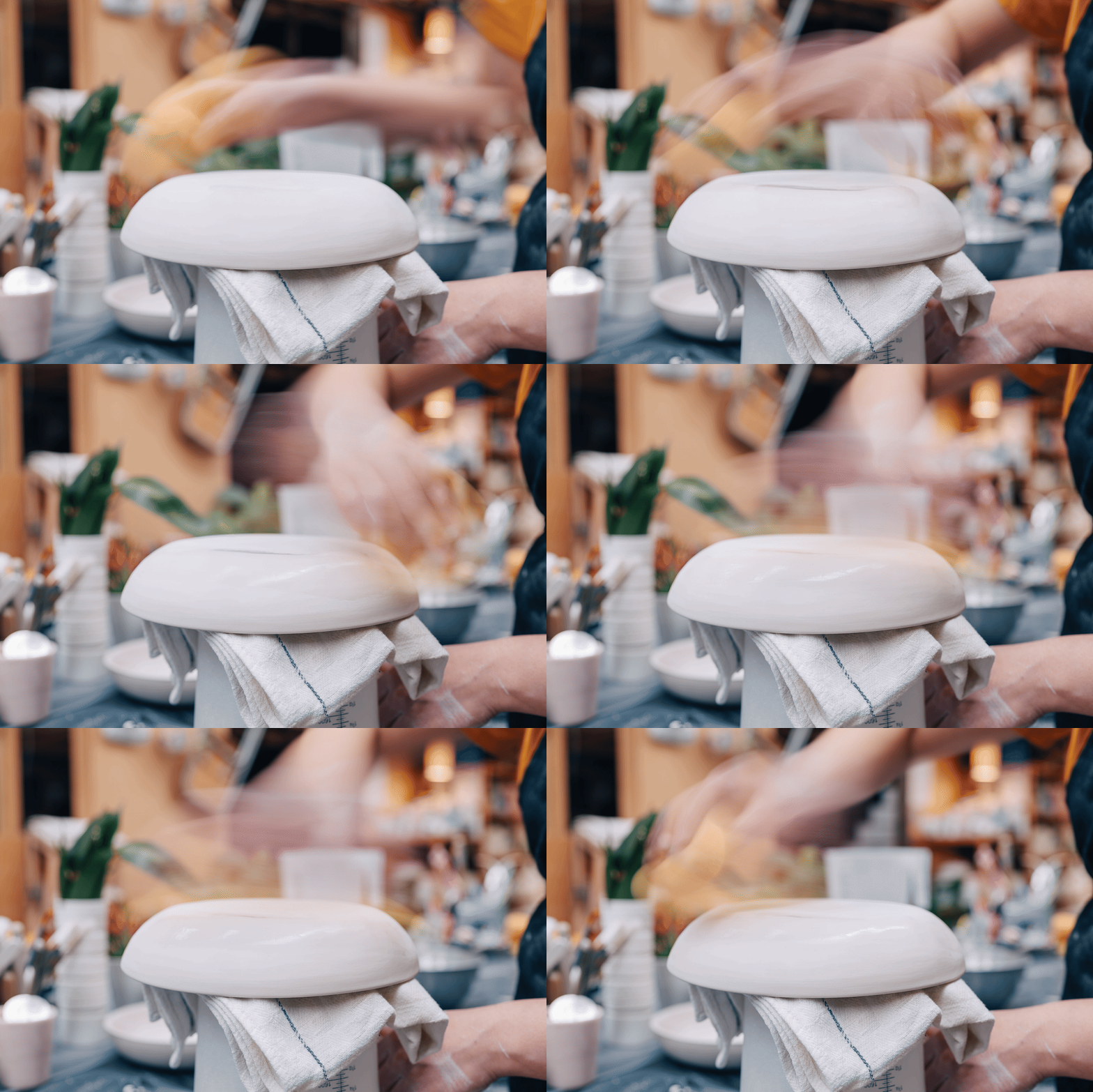
Artist Louise Martiensen at “Louise M Studio” in the process of fettling a large porcelain bowl. GIF made with 7 photos.
This page is a companion to Don’t Let Them Gather Dust, my free guide to growing your art practice with professional images: how to send them out into the world, curate them like an exhibition, recycle your reflections, and much more. It will be available to download very soon.